Video Analytics
AI-powered construction monitoring and surveillance — track AI-detected events, manage cameras, analyze activity distribution, and integrate external monitoring systems.
What Is Video Analytics?
Video Analytics is SuperConstruct's AI-powered construction monitoring and surveillance solution. It lets project teams monitor AI-generated events, review connected cameras, analyze activity distribution, and manage monitoring integrations — all from a single centralized platform.
By bringing every monitoring signal into one place, teams gain better site visibility, improved oversight, and faster access to operational insights without manually searching through surveillance recordings.
The Video Analytics Dashboard
The dashboard provides a high-level overview of monitoring activity across the project.
Key Metrics
At the top, summary cards show:
| Metric | Description |
|---|---|
| Total Detected Events | All AI-generated events across the monitoring environment |
| Critical Events | High-severity events requiring attention |
| Last 24 Hours | Events detected in the past day |
| Last 7 Days | Events detected in the past week |
| Total Cameras | Cameras connected to the platform |
| Total Projects | Projects currently being monitored |
Recent AI Events
Below the metrics, the Recent AI Events feed lists all detected activities. Each event records:
- Detection Time — when the event occurred
- Event Type — e.g. loitering, machinery proximity violation
- Severity Level — how critical the event is
- Camera Source — which camera captured it
- Monitored Zone — the area being watched
- Status — current review status
Events such as loitering and machinery proximity violations are automatically captured and categorized, building a complete event history the team can review at any time.
Cameras
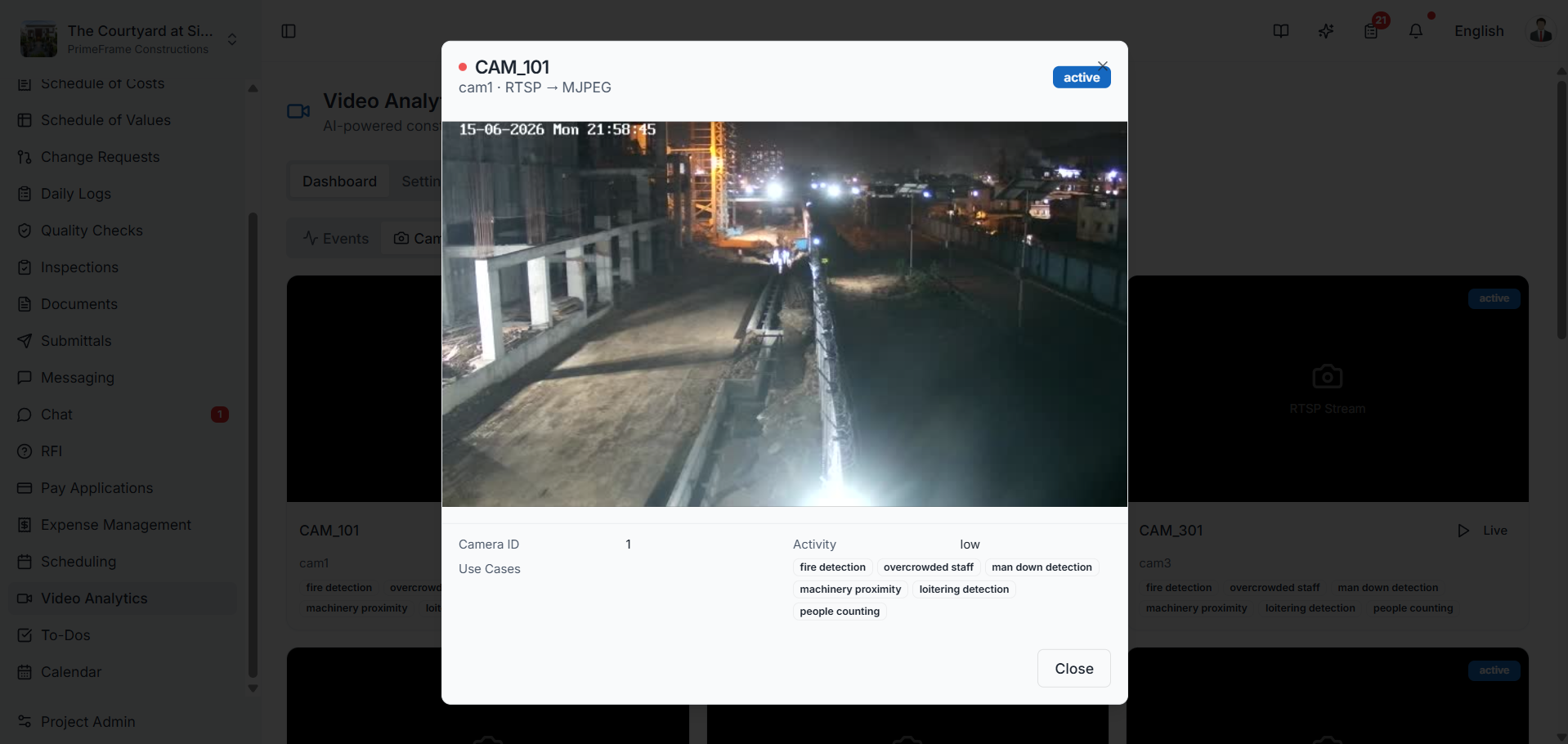
The Cameras view displays every camera connected to the Video Analytics platform, each shown with its connection status and assigned monitoring capabilities. Cameras can each be configured with different AI monitoring models based on project requirements.
Available monitoring capabilities include:
- Fire Detection
- Overcrowded Staff Monitoring
- Man-Down Detection
- Machinery Proximity Monitoring
- Loitering Detection
- People Counting
This centralized view lets administrators quickly see which monitoring capabilities are active across each camera location.
Distribution Analytics
The Distribution Analytics dashboard breaks down detected events across all connected cameras. The chart shows how monitoring activity is distributed throughout the project — surfacing which cameras generate more events than others.
Rather than reviewing events one by one, managers use this view to identify higher-activity areas and understand project-wide monitoring trends at a glance.
Settings & Integration
The Settings page manages the connection between SuperConstruct Video Analytics and the external monitoring platform.
- Integration Status — confirms the monitoring environment is successfully connected
- Project Mapping — associates a monitoring project with a SuperConstruct project. Once mapped, cameras, events, and analytics are automatically synchronized and displayed within the platform
For example, a main monitoring project might be connected and configured with 12 cameras — keeping monitoring data available directly inside the project environment and simplifying system administration.
Role Access: Available to administrators and project teams responsible for site monitoring and oversight.
Video Tutorial
SuperConstruct Video Analytics — AI Monitoring & Surveillance Walkthrough