Core Navigation
Notifications
How the notification system works — staying informed about project activity.
How Notifications Work
SuperConstruct keeps you informed with real-time notifications about project activity relevant to your role.
Types of Notifications
- Approval Requests — when someone submits a pay application, change request, or SOV for your approval
- Status Changes — when items you're involved with change status (approved, rejected, etc.)
- New Assignments — when tasks, RFIs, or inspections are assigned to you
- Comments & Responses — when someone replies to your RFI, message, or support ticket
- Team Updates — when new members join your project or role changes occur
Accessing Notifications
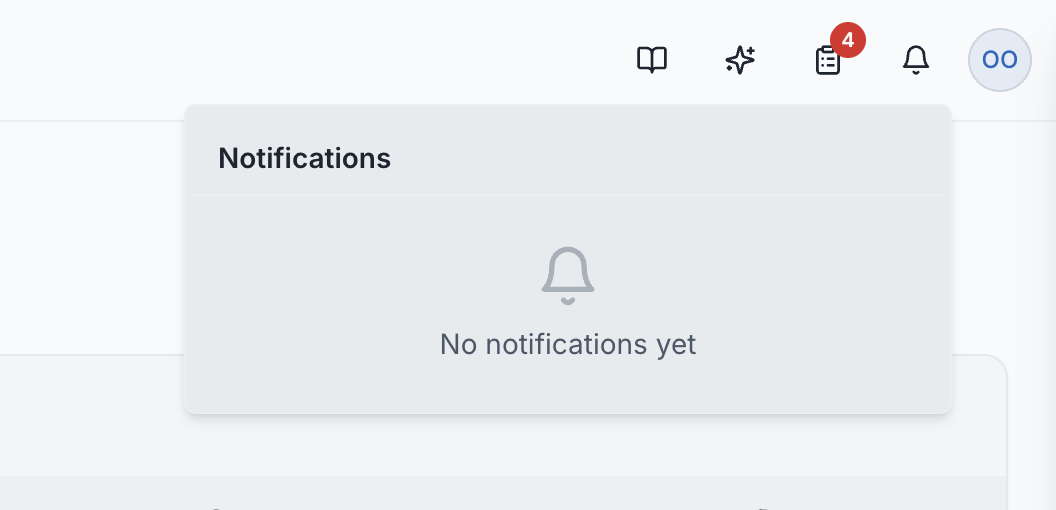
Click the bell icon in the header bar. A badge shows your unread count.
- The notification panel opens as a dropdown
- Each notification shows the type, description, and time
- Click any notification to navigate directly to the relevant item
- Use "Mark all read" to clear the unread badge
The notifications dropdown panel showing recent notifications
Email Notifications
For important events, SuperConstruct also sends email notifications. This ensures you're informed even when you're not actively using the platform.
Roles: All users receive notifications relevant to their project role and permissions. You won't receive notifications for items you don't have access to.