
Account & Settings
My Organization
Manage your company settings, team members, and subscription.
Accessing My Organization
Click your avatar in the top-right corner, then select "My Organization" from the dropdown.
Overview Tab
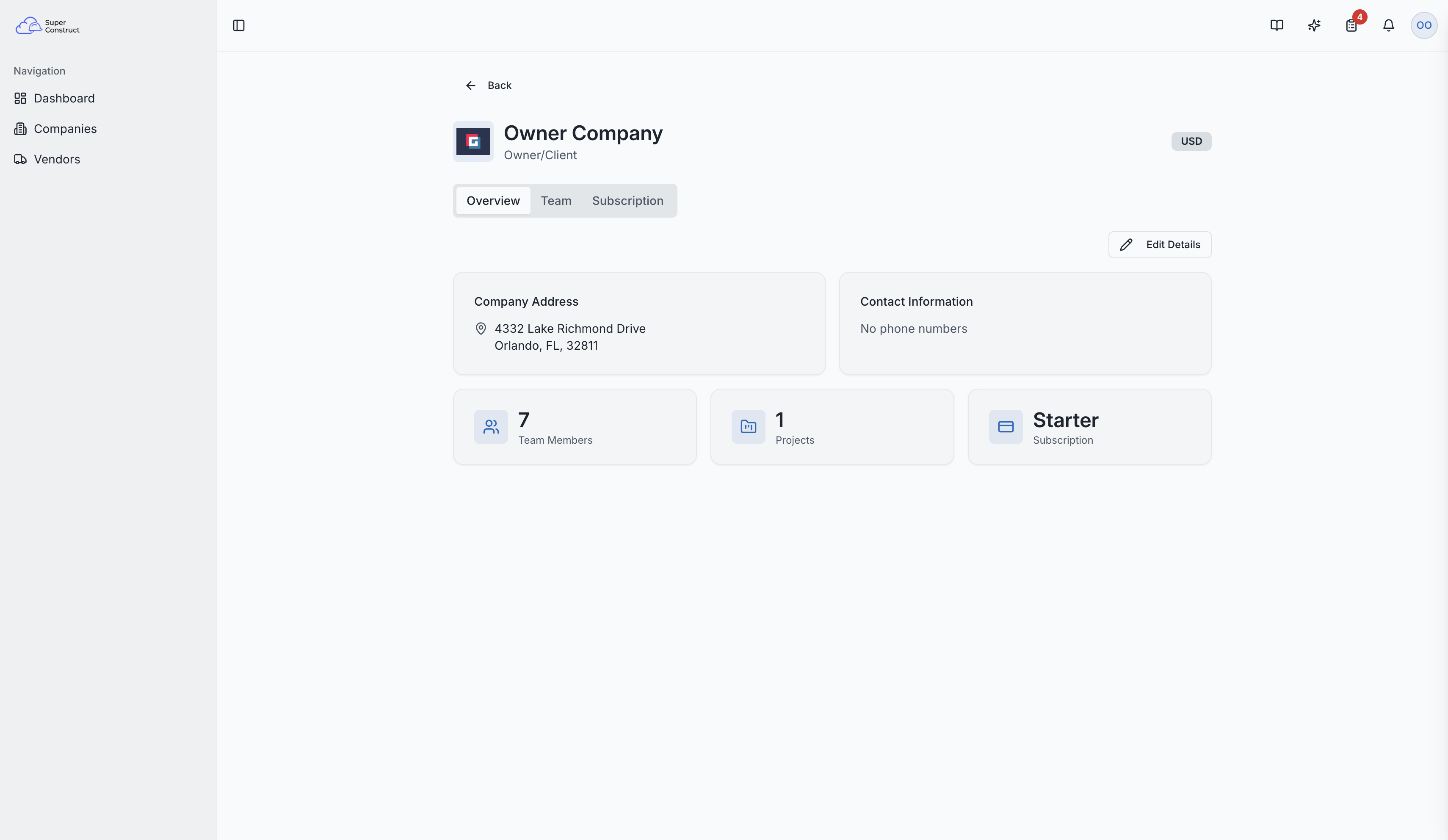
The overview shows a summary of your company:
- Company Information — name, type, currency, address, phone/fax
- Total Team Members — how many people are part of your organization
- Active Projects — number of ongoing projects
- Subscription Plan — your current plan
You can edit company details including name, type, currency, address, phone, and fax numbers.
Company Logo
Upload or change your company's logo. The logo appears on company cards, project documents, and throughout the platform.
Organization page showing company details and summary
Team Tab
View all members of your organization with their assigned roles:
| Role | Description |
|---|---|
| Owner (ORG_OWNER) | Full administrative access to the company and all projects |
| Billing Manager | Manages subscriptions and financial aspects |
| Project Manager | Manages project assignments and settings |
| Member | Regular company employee |
| Viewer | Read-only access at the company level |
Inviting New Members
- Click the invite button to add new team members
- Enter their email address and assign a company role
- Track pending invitations to see who hasn't accepted yet
- Generate shareable invitation links for easy distribution
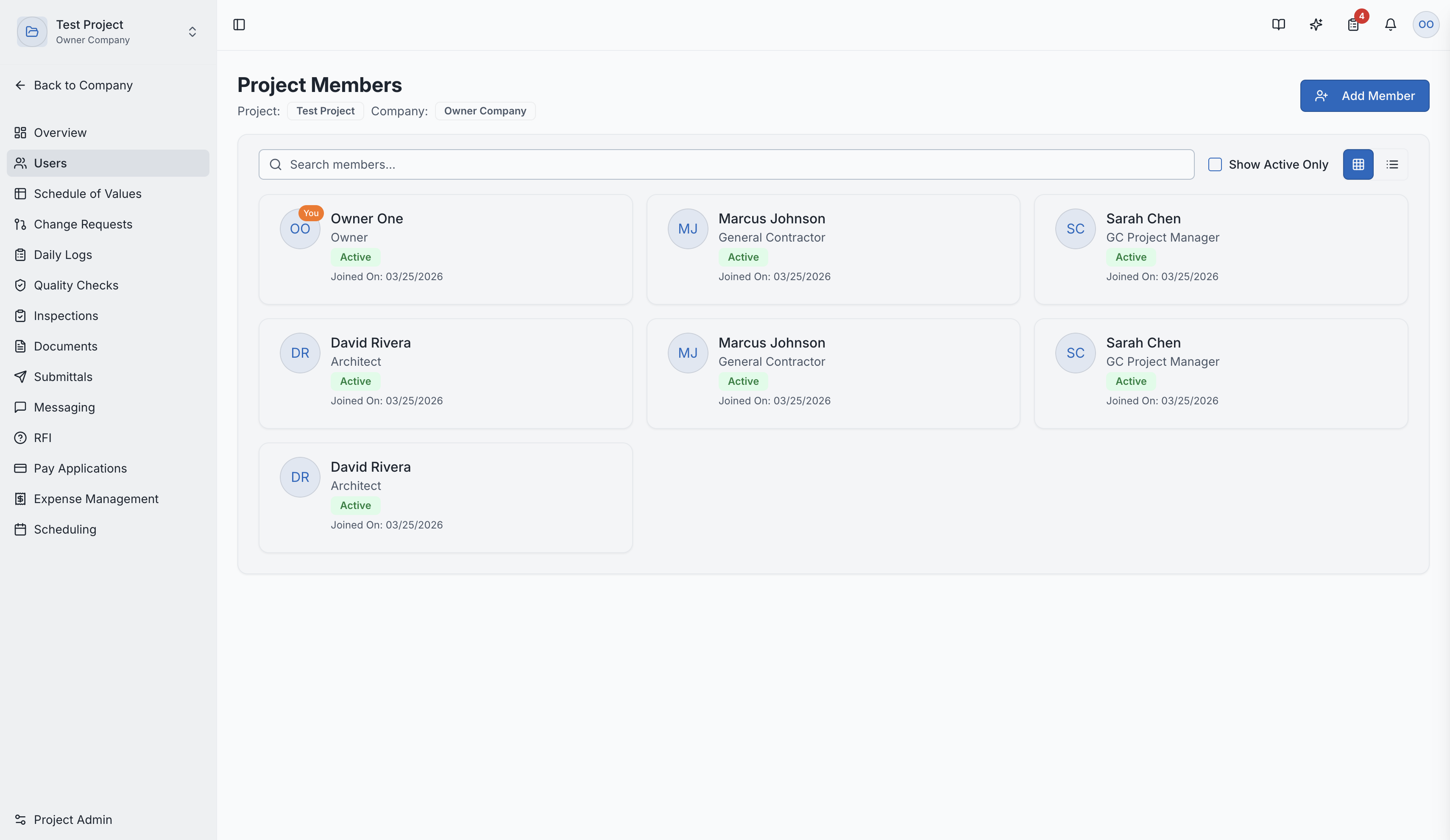
The team management tab with member list and invitations
Subscription Tab
Manage your subscription plan and billing details.
Role Access:
- Owner: Full access to all tabs, can edit company info, invite members, and manage subscription
- Billing Manager: Access to subscription and billing management
- Project Manager / Member / Viewer: Can view the team list but cannot invite or manage members
Video Tutorial
How to Add Users at the Company Level