
Company & Vendor Management
Companies
View and manage your companies — the organizational hub for all your projects.
What Are Companies?
Companies are the top-level organizational unit in SuperConstruct. Every project belongs to a company, and every user is associated with one or more companies.
Accessing Companies
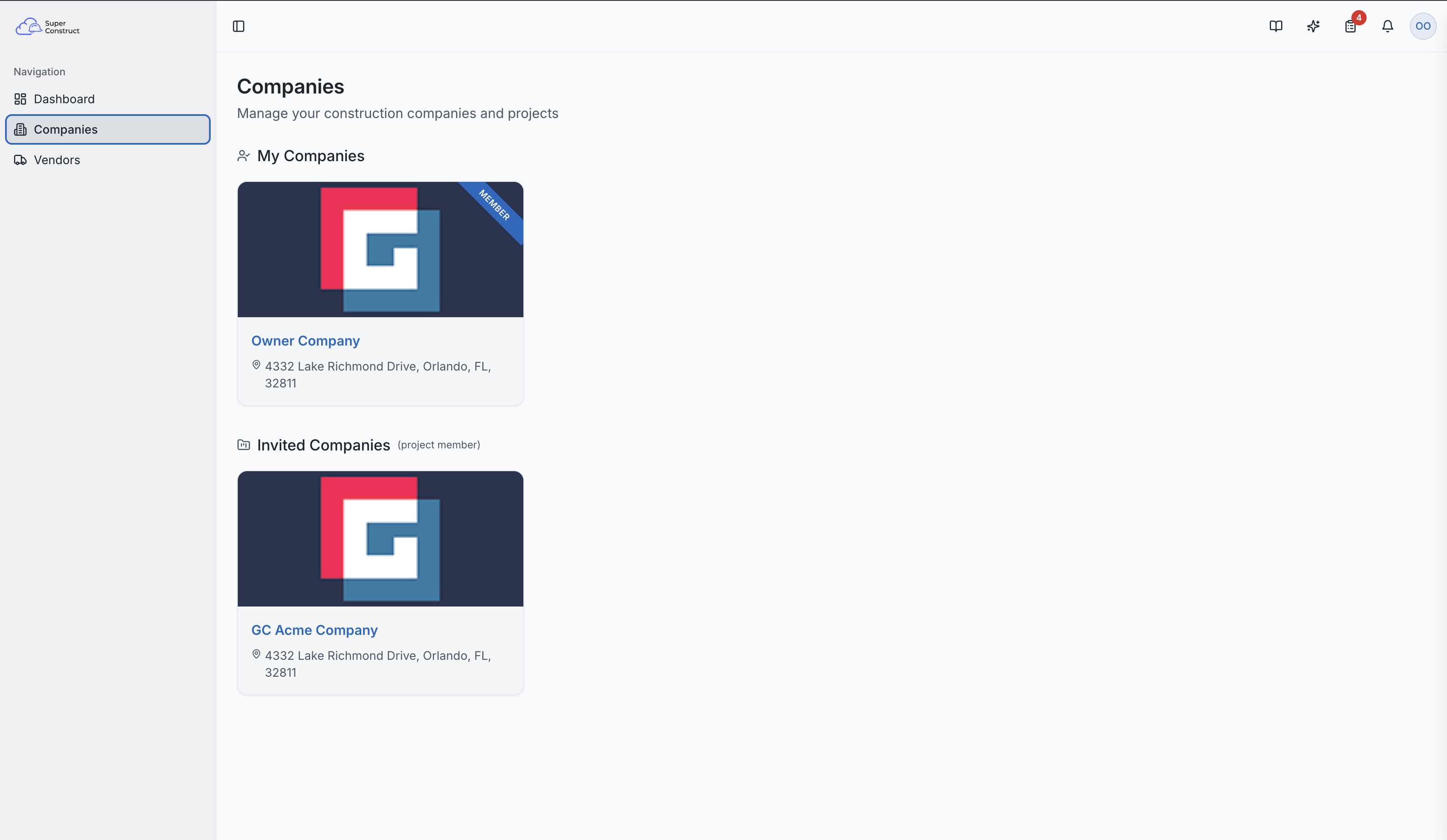
Select "Companies" from the left navigation sidebar. This is one of the three main options available right after logging in.
My Companies vs. Invited Companies
- My Companies — organizations where you are a direct member (you created or joined the company). These show with a "Member" ribbon on the card.
- Invited Companies — organizations where you've been invited to collaborate on specific projects. Common for subcontractors, architects, and consultants working across multiple organizations.
Each company card shows the company logo, name, and address. Click any card to navigate to that company's projects.
The companies page showing My Companies and Invited Companies
Creating a New Company
If you don't have a company yet, click "New Company" to create one:
- Company Name — your organization's official name
- Company Type — Corporation, LLC, Partnership, Sole Proprietorship, etc.
- Currency — USD, INR, or other supported currencies
- Address — full business address
- Phone Numbers — add multiple numbers (Work, Mobile, Home) and designate one as primary
After creation, you become the Owner of the company with full administrative access.
Role Access:
- Any user can create a company (they become the Owner)
- Company Owners can manage all settings and invite team members
- Invited users see companies they collaborate with in the "Invited Companies" section